
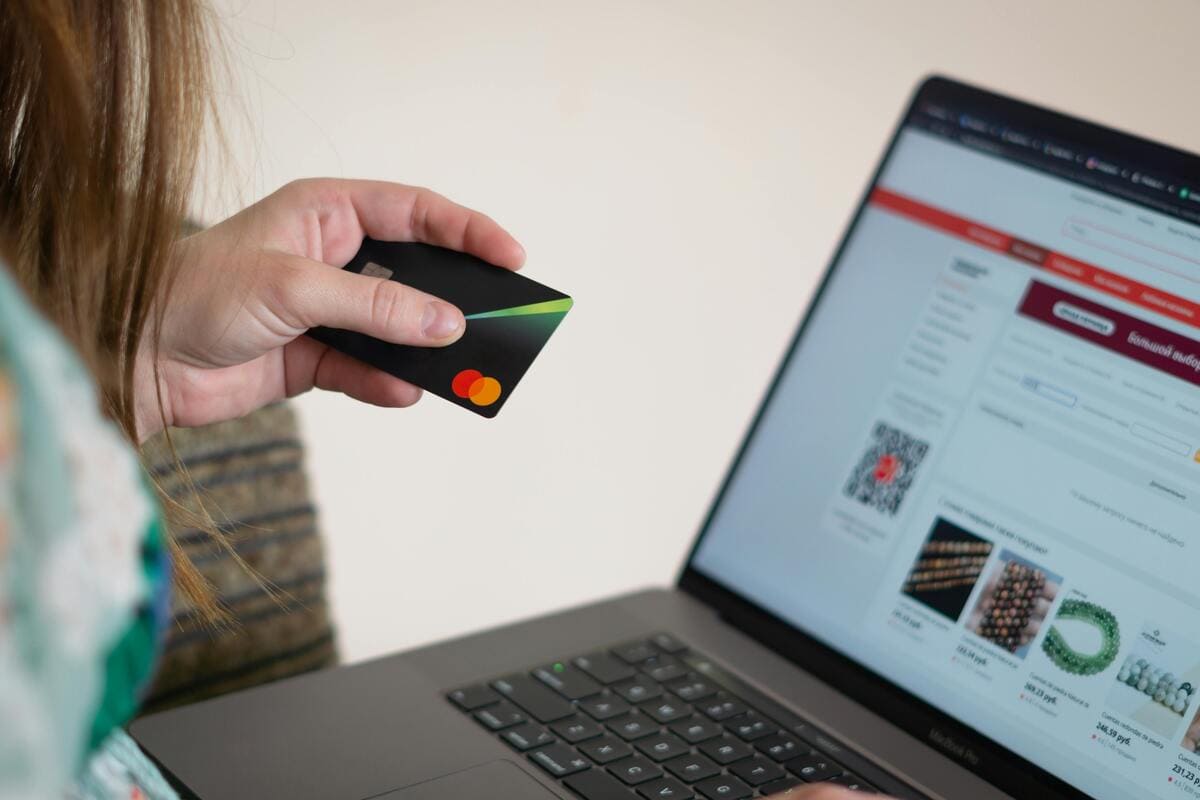
Website security for Auckland small businesses
Most hacks in New Zealand are automated, not personal. Bots scan for weak passwords, old plugins, and unprotected login pages. This guide explains what those attacks look like and how Auckland small businesses can stay ahead of them without becoming security experts.
If you prefer a team to handle this for you, you can talk to us about web design Auckland and ongoing care plans.
Why website security matters for Auckland businesses
When a small business site gets hacked, the impact is usually simple and painful: customers lose trust, enquiries drop, and you spend days going back and forward with hosting support. It is not just the cost of fixing the site. It is the distraction.
Lost enquiries & sales
Your website might redirect to another site, show warnings, or simply stop loading.
- Visitors see security warnings in Chrome or Safari
- Contact forms and booking tools stop working properly
Hidden clean-up costs
Cheap hosting rarely includes proper clean-ups or investigation.
- Developer time to diagnose and remove malware
- Rebuilding from old or incomplete backups
Reputation & trust
If customers see spam or strange popups, they start to question your brand.
- Negative word of mouth or reviews
- Loss of confidence in online payments and forms
Common attack patterns on small business websites
Most attacks on small sites are fully automated. The same scripts that scan large brands will happily scan a plumber in West Auckland or a cafe in Mt Albert if your login page is easy to find.
Brute-force login attempts
Bots test common usernames and passwords over and over.
- Weak passwords and admin usernames like "admin" get hit first
- Lack of rate limiting or two factor makes it easier to break in
Outdated plugins and themes
Popular plugins sometimes have security holes that are publicly known.
- Attackers look for specific version numbers they know are vulnerable
- Sites that skip updates get picked up quickly
Injected links & redirects
Malware changes your pages or menus to send traffic elsewhere.
- Spam pages added into your site structure
- Redirect rules added at server level without you seeing them
Practical security foundations for non-technical owners
You do not need to manage every technical detail yourself. Focus on a few foundations and make sure someone you trust is taking care of the rest, whether that is your web designer, IT provider, or host.
Common website security threats
| Threat | What it looks like in real life |
|---|---|
| Malware | Strange popups, extra pages in your menu, or redirects to unrelated sites such as gambling or fake shops. |
| Brute-force login attempts | A flood of login attempts on your admin page, often from overseas IP addresses you do not recognise. |
| Outdated software | Old plugins or themes with known vulnerabilities that have not been updated for months or years. |
| Phishing redirects | Customers click on your site but end up on a fake login page or payment page designed to steal details. |
Website security FAQs
How often should I update my website?
For most WordPress sites, aim for weekly checks and updates. High traffic or ecommerce sites in Auckland may need updates more often, especially for payment or booking plugins.
Do small New Zealand businesses really get targeted?
Yes. Automated tools scan whole IP ranges and hosting providers. They do not care whether you are a sole trader or a large company. If your site is easier to break into, it will be a target.
Can I recover a hacked site myself?
Sometimes, if you have clean recent backups and you know how to restore them safely. If you are not sure the backup is clean or you rely on the site for daily business, it is safer to get help.
Is a free security plugin enough?
Free tools are far better than nothing and a good starting point. For higher risk sites, paid plans with stronger firewalls, malware scanning, and support are often worth the cost.
Can Kiwi Web Design look after security for me?
Yes. We can combine security, backups, performance, and small content updates in one care plan so you do not have to think about the technical details. You can reach us via our website design Auckland page.